The Remote Desktop Protocol (RDP) is undoubtedly an invaluable tool for the modern IT infrastructure. It allows users to connect to and control remote computers over the network. This function is particularly popular in companies for IT administration, whether for support or remote maintenance of systems.
But while RDP can undoubtedly increase productivity, it also carries significant risks, especially if it’s not adequately secured and openly accessible on the internet.
Read here how you can close sources of danger and use the RDP safely.
Potentials of the Remote Desktop Protocol
The Remote Desktop Protocol (RDP) is a valuable tool that allows users to connect to and control a remote computer over a network connection. This function is particularly popular for IT administration in companies, for example, when employees need IT support.
While RDP can significantly increase productivity in your business, it can also expose your system to serious risks if you leave it open to the Internet without proper security measures.
What is RDP Hijacking?
RDP hijacking occurs when unauthorized persons gain access to your RDP-enabled system. Cybercriminals often exploit vulnerabilities in open RDP configurations to launch attacks. This can lead to unauthorized access, data breaches, and potential system compromise. The consequences can be severe and range from the disclosure or leakage of sensitive data to the complete loss of control of your system or encryption of an enterprise-wide infrastructure with a ransomware Trojan.
From our experience, we always advise our customers not to expose services to the Internet without further security. This means that you should not connect the RDP service directly to the Internet, as such services always pose security risks. What we learned from past cases was that attackers were able to take over such exposed services (without additional protection, such as a firewall or a VPN) quite quickly via brute force attacks (trying out lists of user and password combinations) and thus gain access to entire company infrastructures within a few hours.
Attackers target the service’s standard ports (port 3389) shared by the Internet to gain access to networks. Unfortunately, changing these ports for obfuscation is not a suitable means either, as attackers can determine this shift by scanning the 65,535 possible ports with little effort.
What can I do?
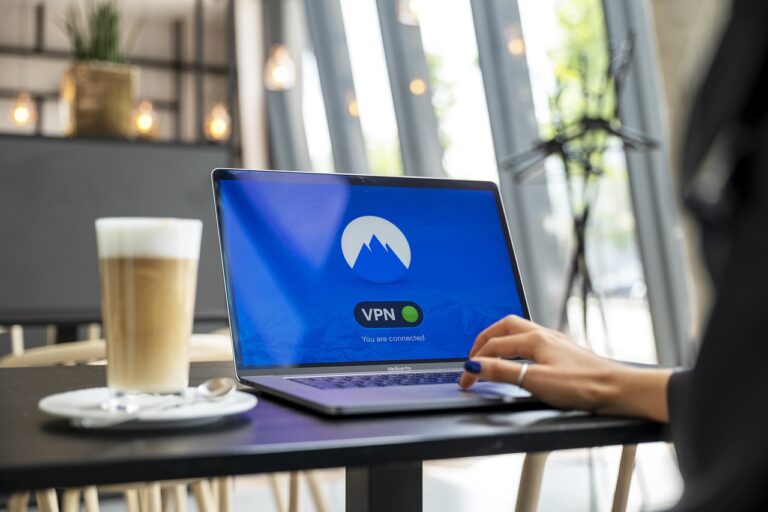
To keep this risk as low as possible, it is advisable not to release RDP services directly and to consider alternative solutions. Consider using a firewall with VPN access, Microsoft Remote Desktop Gateway, or Azure Multi-Factor Authentication Server for secure access.
In addition, set Group Policy: Adjust the settings so that users are logged out immediately after an RDP session is disconnected to prevent attackers from simply “resuming” sessions. Furthermore, the number of incorrect logins should be reduced to e.g. five failed logins. This also reduces the attack surface by brute force.
Stay vigilant: With the proliferation of remote work, it’s important to understand the risks associated with RDP and minimize the attack surface. The implementation of prevention strategies and the knowledge of where information about new threats is regularly listed (e.g. BSI or CERT Bund) are important building blocks for the protection of your IT systems.