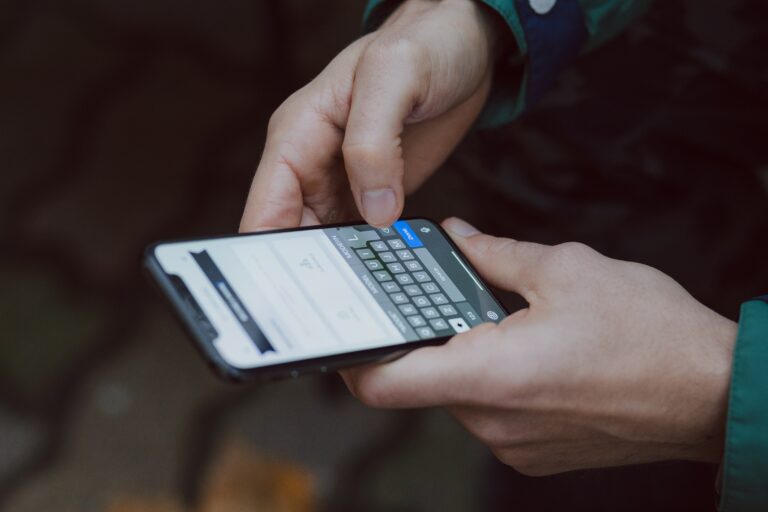
Smartphones are highly interesting for cybercriminals. This is because they play an important role in online banking and combine a lot of private data. This makes it all the more important that you protect your smartphone – and thus yourself – against data theft, hackers and the like. In this article, we will give you four of the most effective protection strategies.
What sandboxes have to do with smartphones
Compared to the typical desktop computer, your smartphone has an important security advantage: It is based on so-called sandbox technology.
The image of the sandbox – a sandbox – explains well how this technology works: separate, isolated areas are set up in a system – the “sandboxes”. A program that runs in such a “sandbox” is limited to this area only. It cannot cause any damage to the rest of the system, even if it is programmed to do so.
On smartphones, all apps run in their own sandbox. This isolates them from each other and from the operating system.
If you know this, you will better understand why certain protective measures are particularly important for smartphones. And also why antivirus apps for smartphones are only of limited help – because they also run in their own sandbox.
Caution: Jailbreaks (iOS) and rooting (Android) compromise the sandbox technology of the affected smartphones. To put it simply, it breaks down the limitations of the respective operating system – including those that serve to protect it. The access rights extended in this way can also be exploited by cybercriminals.
Four important protective measures for your smartphone at a glance
- Password / PIN make it difficult to access personal data in the event of theft.
- The latest updates close newly discovered security gaps.
- Using apps from reputable sources reduces the risk of installing malware apps such as banking Trojans.
- The strict restriction of access rights of the individual apps can prevent malware apps that have been installed from causing damage.
1. Password / PIN
Smartphones store very attractive data for cybercriminals. Telephone numbers, e-mail addresses, sometimes even bank details. In the case of a lost or stolen smartphone without a password or PIN, criminals can obtain this data particularly easily. Therefore, lock your smartphone at least with a PIN or password that is not easy to guess.
2. Updates
What applies to computers also applies to smartphones: Make sure that the apps and the operating system are always up to date. This makes it more difficult for cybercriminals to exploit security vulnerabilities.
Good to know: Updating an app can change its access rights. Therefore, check promptly what the respective app wants to access. You will learn why access rights are so important below.
3. Apps from reputable sources
Analogous to malware for computers, there are malicious apps for smartphones. For example, they can incur costs, spy on your bank access data via false input masks, encrypt your smartphone and demand a ransom or, or, or.
Important: However, these malicious apps cannot install themselves. Therefore, cybercriminals try to trick you into installing the respective app. Therefore, the more critical you are with each new app, the better.
Only install apps from reputable sources, i.e. the official app stores.
Under no circumstances install apps from e-mail attachments or via links that you have received, e.g. by SMS, for example from a supposed parcel service. Always consciously take the detour via the official app store. If the app in question is not available there, your alarm bells should ring.
4. Restriction of access rights
Remember, each app runs in its own sandbox and can’t access the operating system. But depending on their access rights, e.g. to your address book or your SMS. This allows malicious apps to cause great damage.
Access to your SMS makes it possible, for example, to intercept and misuse one-time passwords sent in this way during online banking.
That’s why:
Meticulously check which access rights each app requires and, if necessary, do not grant them or do not install the app in the first place.
Be particularly vigilant about access rights to your SMS.
Would you like to protect your smartphone even better?
On the website “Effectively protect smartphones and tablets”, the German Federal Office for Information Security (BSI) presents further protective measures in addition to those mentioned here.
Maybe you even want to dedicate yourself even more fully to protecting your smartphone? Then the BSI offers a good starting point with its “Configuration recommendation based on operating system-specific means for use with increased security” – available for Android and iOS respectively.